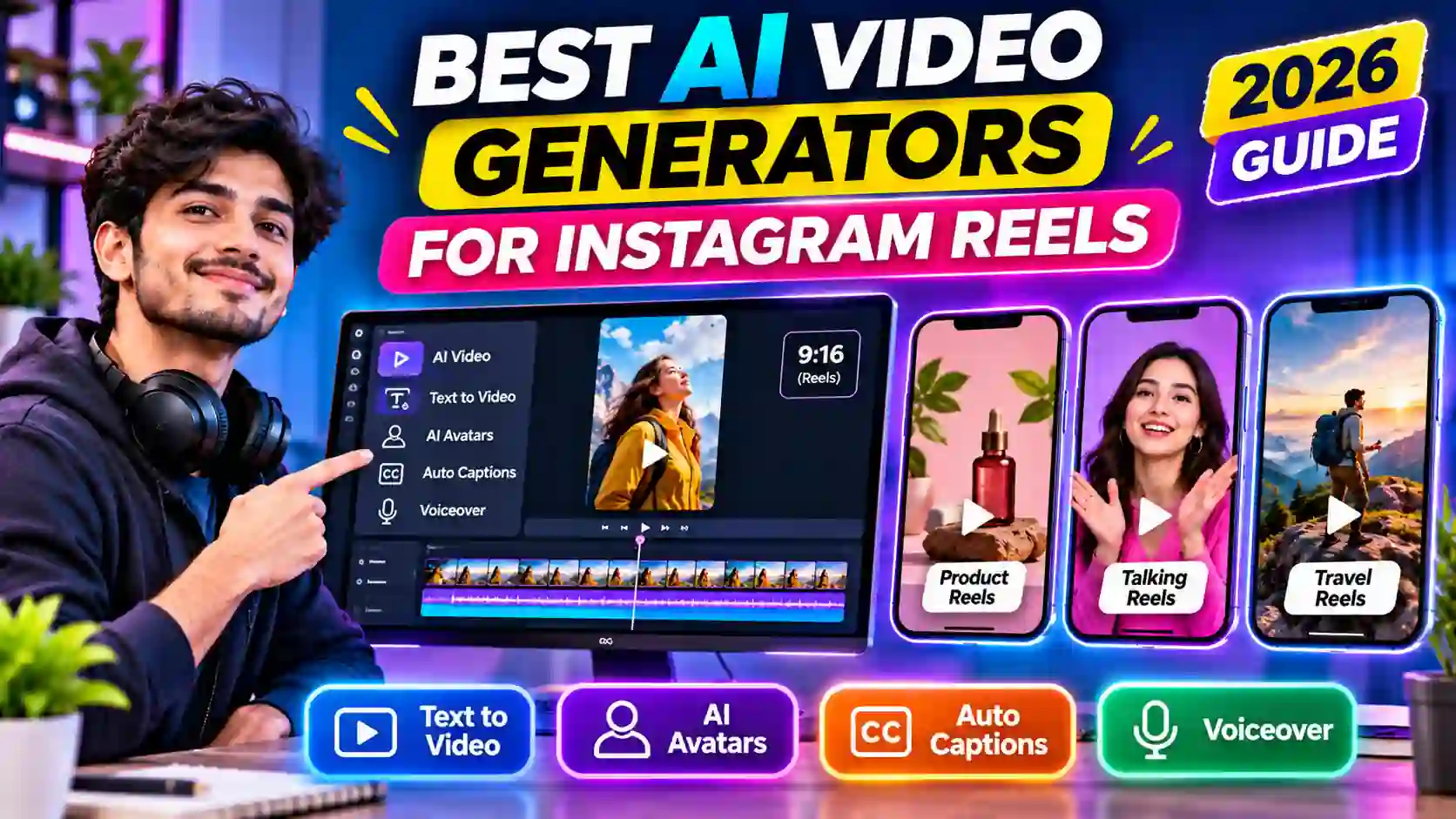
Looking for the best AI video generator for Instagram Reels? The right choice depends on whether you want to create a Reel from a prompt, turn product photos into a short ad, make an AI presenter video, or cut highlights from longer footage. Some tools generate scenes from scratch; others are better at editing, captions, templates, and repurposing content.
In this guide, we compare practical AI tools for Instagram Reels in 2027, explain what each is best at, and show you how to choose without paying for features you will not use. We also separate true AI video generation from AI-assisted editing, because they solve different problems.
Quick Picks: Best AI Video Generators for Instagram Reels
| Tool | Best for | Type of workflow |
|---|---|---|
| VEED | Creating a Reel from a prompt or script | AI script, narration, footage and editing |
| CapCut | Templates, effects and mobile-first editing | AI-assisted editing and templates |
| OpusClip | Turning long videos into multiple Reels | AI clipping, reframing and captions |
| InVideo AI | Faceless and stock-footage Reels | Prompt-to-video and AI editing |
| Canva | Branded product and promotional Reels | Templates, design and AI-assisted creation |
| HeyGen | AI presenter and UGC-style videos | Avatar and talking-head generation |
| Kling AI | Original cinematic AI shots | Text-to-video and image-to-video |
| Edits by Instagram | Editing and publishing directly for Instagram | Mobile editing, not a full generative video suite |
1. VEED – Best for Creating Reels from a Script or Idea
VEED is a strong option when you have a topic but do not have footage ready. Its AI Reel Generator can turn a prompt or script into a video with narration and selected visuals. You can then customize the avatar or voice, music, captions, and footage before exporting.
Key features
- Prompt-to-script and script-to-video workflow.
- AI narration, avatars, music and captions.
- Browser-based editor for replacing scenes and adding brand elements.
- AI video models and image-to-video options inside the broader VEED workflow.
Best for: Creators, small businesses and marketers who want to draft a Reel from an idea and refine it in one editor.
Watch out for: AI generation uses credits. Check the estimated credit cost and export limits on your plan before producing a batch of Reels.
Official links: VEED AI Reel Generator · VEED pricing.
2. CapCut – Best for Templates, Effects and Quick Editing
CapCut is a practical choice when you already have clips, photos or a rough idea and want to assemble them into a polished vertical video. Its templates, effects, text tools, transitions and caption features are useful for fast-paced social content.
Key features
- Vertical 9:16 templates and social-video layouts.
- Auto captions, text effects, transitions and music tools.
- Timeline editing for trimming, rearranging and polishing clips.
- AI-assisted features, with availability varying by region, account and plan.
Best for: Beginners and creators who need quick edits, trend-style formats and control over the final cut.
Watch out for: Some effects, templates and AI features are paid or may not be available in every region. Review the export settings and licensing terms for music and templates.
Official link: CapCut.
3. OpusClip – Best for Turning Long Videos into Reels
OpusClip is not primarily a text-to-video generator. It is designed to find useful moments in longer videos and convert them into shorter vertical clips. This makes it useful if you already publish podcasts, interviews, webinars, livestreams or YouTube videos.
Key features
- Finds potential highlight moments from long-form footage.
- Creates vertical clips and reframes the speaker.
- Adds animated captions and editing options.
- Supports social publishing workflows, with platform availability depending on the account and plan.
Best for: Podcasters, educators, coaches and creators who want several short clips from one recording.
Watch out for: AI-selected highlights still need human review. Correct awkward cuts, inaccurate captions and context that may be missing from a short clip.
Official link: OpusClip.
4. InVideo AI – Best for Faceless and Stock-Footage Reels
InVideo AI can help turn a written prompt into a narrated video using scripts, stock visuals and editing tools. It can be useful for list-style content, explainers, educational snippets and faceless Reels when the visuals support the message.
Key features
- Prompt-based video creation and script generation.
- AI voiceovers and stock-media workflows.
- Editing controls for scenes, text and timing.
- Useful for repeatable informational and promotional formats.
Best for: Faceless creators who want to produce explainers and list-style videos without recording every scene.
Watch out for: Review stock selections, narration, facts and scene transitions. A generated draft is not automatically a finished Reel.
Read our InVideo AI Review 2026 for a deeper feature and pricing breakdown. Official link: InVideo AI.
5. Canva – Best for Branded Product and Promotional Reels
Canva is useful when your Reels need consistent brand colors, product images, text overlays, logos and reusable layouts. Its design-first workflow makes it easier to create a family of promotional videos rather than generating every clip from scratch.
Key features
- Editable Reel templates and brand kits.
- Text, animation, transitions and design elements.
- AI-assisted design and video features, subject to plan and availability.
- Easy resizing and reuse of brand assets across social formats.
Best for: Small businesses, affiliate marketers and creators making product showcases, announcements and branded content.
Watch out for: Template-based videos can look repetitive. Customize the opening, product demonstration and call to action so each Reel feels specific to the offer.
Official link: Canva.
6. HeyGen – Best for AI Presenter and UGC-Style Reels
HeyGen focuses on avatar-led videos and digital presenters. You can use it for explainers, product introductions, educational tips and spokesperson-style Reels when you do not want to record yourself on camera.
Key features
- AI avatars and talking-head video generation.
- Script-based narration and multilingual voice options.
- Customizable presenter and brand presentation workflows.
- Useful for repeatable educational and product messaging.
Best for: Businesses and creators who need a presenter-style video without filming a person for every post.
Watch out for: Avatar videos can feel artificial if the script, delivery and visual context are generic. Use original examples and disclose synthetic media where required by platform rules or law.
Official link: HeyGen.
7. Kling AI – Best for Cinematic AI-Generated Shots
Kling AI is a generative video platform for creating original footage from text prompts and image references. It is a good fit when the Reel needs a visual scene that you cannot easily film, such as a stylized product reveal, imaginative environment or cinematic transition.
Key features
- Text-to-video and image-to-video generation.
- Model-specific motion and reference controls.
- Useful for short visual sequences and B-roll-style shots.
- Different models and settings can affect quality, duration and credit use.
Best for: Creators who want original AI-generated scenes rather than a template-based edit.
Watch out for: Generated clips may need multiple attempts and additional editing. Check the current model, resolution, duration and credit cost before generating.
Official link: Kling AI. Also see our Kling vs Higgsfield AI comparison.
8. Edits by Instagram – Best for Editing and Publishing on Instagram
Edits is Instagram’s own video-editing app. It is not a full prompt-to-video generator like some of the tools above, but it can be a convenient final editing and publishing workspace for creators who primarily post on Instagram.
Key features
- Mobile-first video editing and timeline tools.
- Captions and creator-focused editing features.
- Instagram-oriented workflow for preparing and sharing Reels.
- Useful as a finishing tool after generating footage elsewhere.
Best for: Creators who already have footage or AI-generated clips and want to edit for Instagram.
Watch out for: Check the latest feature and export details in your app store and account; features can change with app updates.
Official link: Instagram.
How to Choose the Right AI Video Generator for Instagram Reels
Start with the content you have, not with the longest feature list. Use this simple decision guide:
| Your starting point | Tools to consider | Why |
|---|---|---|
| Only a topic or script | VEED, InVideo AI | Can draft narration and assemble a video from an idea |
| A long podcast or YouTube video | OpusClip | Finds shorter highlights and reframes them vertically |
| Product photos and brand assets | Canva, VEED, Kling | Can build branded edits or animate product visuals |
| A presenter without filming | HeyGen, VEED | Avatar and talking-head workflows |
| Raw clips that need editing | CapCut, Edits, VEED | Editing, captions, effects and finishing controls |
| Original cinematic scenes | Kling | Generates new visual footage from prompts or images |
Best Instagram Reels Export Settings
For a standard full-screen vertical Reel, use a 9:16 aspect ratio and aim for 1080 × 1920 pixels. Instagram’s published guidance allows a range of aspect ratios, but 9:16 fills the phone screen. Its Help Center specifies a minimum resolution of 720 pixels and a minimum frame rate of 30 FPS for Reels. Turn on the highest-quality upload option in Instagram if it is available in your account.
- Canvas: 9:16 vertical.
- Recommended export: 1080 × 1920 pixels.
- Frame rate: 30 FPS or higher if your source footage supports it.
- Captions: Keep important text away from the top, bottom and right-side interface areas.
- Audio: Use music and sound effects you have permission to use, especially for business and promotional content.
Check Instagram’s current Help Center for updated upload requirements and account-specific music restrictions.
Which AI Video Generator Is Best for Instagram Reels?
There is no single winner for every Reel. VEED is a strong pick for creating a Reel from a prompt or script; CapCut is a practical all-round editor for templates and effects; OpusClip is the better fit for repurposing long videos; and HeyGen is worth considering for avatar-led content. Choose Kling when you need original AI-generated scenes, and Canva when branded design matters most.
Before paying, test one representative Reel on your shortlist. Compare how much editing it needs, the export quality, watermark rules, credit consumption and commercial-use terms. A tool that creates a usable Reel with fewer revisions may be better value than one with the largest feature list.
Frequently Asked Questions
What is the best AI video generator for Instagram Reels?
VEED is a useful choice for creating a Reel from a prompt or script. CapCut is strong for editing and templates, OpusClip is designed for turning long videos into short clips, and HeyGen is suited to AI presenter videos. The best choice depends on your starting material and workflow.
Can I create Instagram Reels with AI for free?
Some tools offer free plans or limited free features, but generation credits, watermarks, export quality and usage limits vary. Check the current plan details before building a regular publishing workflow around a free tier.
Which AI tool is best for faceless Instagram Reels?
VEED and InVideo AI can help create narrated videos from scripts and visuals. Kling can generate original visual scenes, while CapCut can finish the edit with captions, music and effects.
Which tool can turn YouTube videos into Instagram Reels?
OpusClip is built for finding highlights in longer videos and converting them into vertical clips. Review each suggested clip for context, accurate captions and a clean beginning and ending.
What is the best size for Instagram Reels?
A 9:16 vertical canvas at 1080 × 1920 pixels is a common full-screen export target. Instagram’s published minimums include 720-pixel resolution and 30 FPS; check its Help Center for the latest details.
Can I use AI-generated Reels for affiliate marketing?
Yes, provided you follow the AI tool’s commercial-use terms, Instagram’s policies, and applicable advertising disclosure rules. Make product claims accurate, show the actual product where possible, and clearly disclose affiliate relationships.
Related Guides on Crunch Solution
- Best AI Video Generators for Social Media
- Best AI Video Generators for YouTube Shorts
- VEED AI Review 2026
- InVideo AI Review 2026
- Fliki AI Review 2026
Editorial note: Product features, plan limits, prices, regional availability and export policies can change. This guide compares published product capabilities and intended workflows; it is not a claim that every tool was independently benchmarked under identical test conditions.