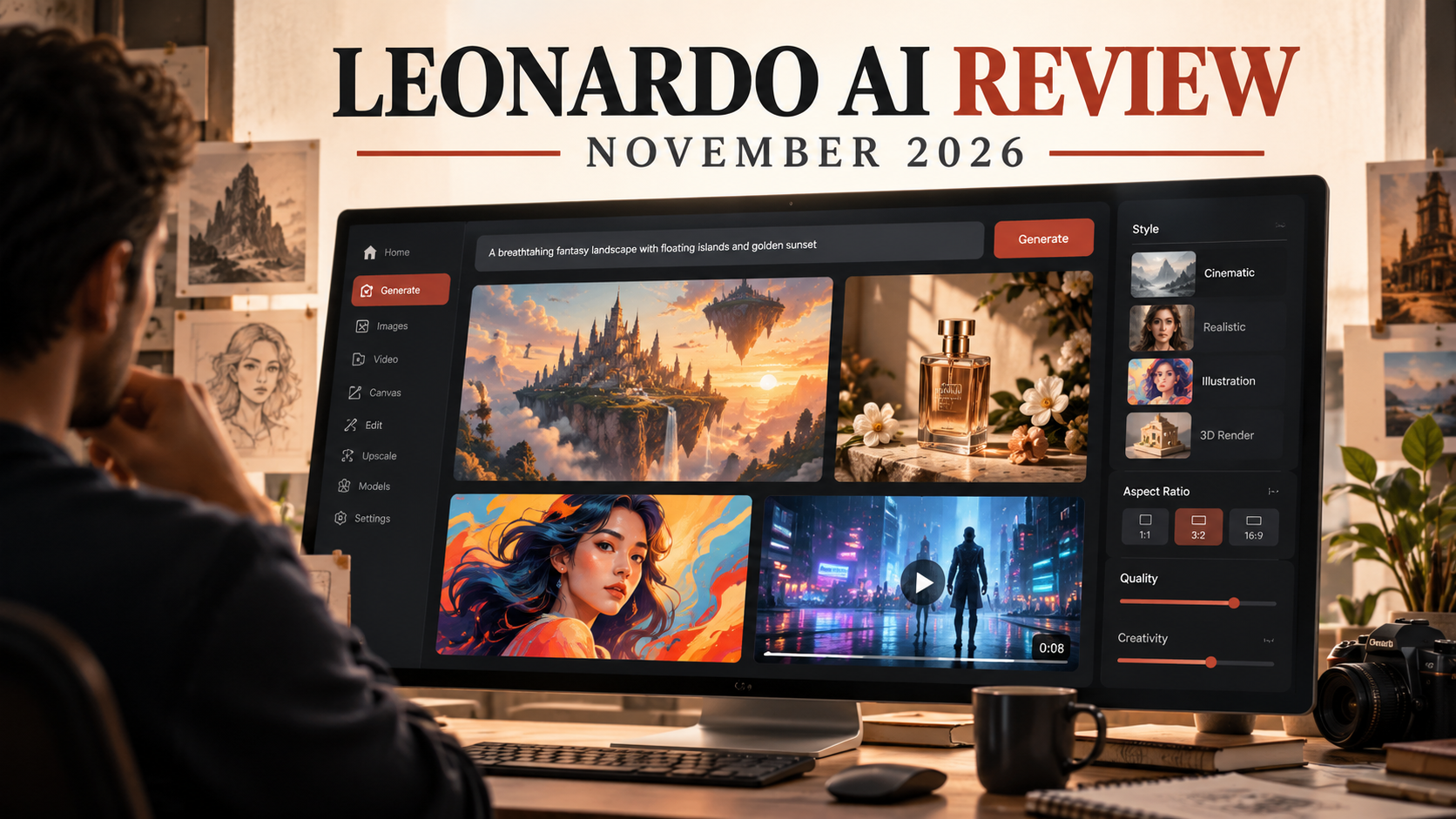
Leonardo AI is a creative AI platform for generating and editing images, exploring visual styles, and creating video with a range of built-in and third-party models. This Leonardo AI review for November 2026 looks at its key features, current plans, free allowance, practical strengths and limitations, and the type of creator most likely to benefit from it.
Review note: This edition was prepared on October 28, 2026, using the official Leonardo.Ai website and help resources available at the time. November offers, model access, token costs, and plan features may change; check the official pages linked below before making a purchase. This is a research-based review, not a claim of hands-on testing of every model.
Leonardo AI Review: Quick Verdict
Leonardo AI is worth considering if you need more than a simple text-to-image generator. It brings multiple image models, creative editing tools, reference-image controls, personal model training on eligible plans, and video generation into one workspace. Its main trade-offs are a token-based cost system, differences between free and paid privacy/model access, and the learning curve involved in choosing the right model and settings.
| Category | Our assessment |
|---|---|
| Best for | Creators, marketers, designers, concept artists and visual-content teams |
| Main strengths | Multiple models, image editing, reference guidance and creative workflows |
| Free plan | 150 daily tokens listed on the official pricing page; free creations are public |
| Main drawback | Token costs vary by model, dimensions, settings and workflow |
| Verdict | A versatile option if you will use its range of tools; test your own use cases first |
What Is Leonardo AI?
Leonardo.Ai is a generative creative platform for making and refining visual assets. Depending on the selected model and workflow, users can generate images from text, edit existing images, guide results with reference images, explore styles, upscale output, and create video. The platform also brings together Leonardo’s own models and selected third-party models, with availability depending on plan and model.
Its breadth is useful for creators who want to compare visual approaches in one workspace. However, not every model behaves the same way, and a feature visible in the platform may have different token costs, access rules, or output limits.
For related guides, explore our best AI animation tools in 2026, read our Runway AI review, or see our guide on selling Canva templates online.
Leonardo AI Features
1. Text-to-image generation
Describe a subject, setting, composition, lighting and style, then select a model and aspect ratio. The quality of the prompt matters, but model selection and settings can matter just as much. For repeatable results, keep prompts specific and change one variable at a time.
2. Multiple AI models and styles
Leonardo’s model catalogue includes options suited to different creative goals, such as realism, illustration, design assets, text rendering and image editing. The catalogue changes over time. Review the official model directory for current availability instead of assuming every model is included in every subscription.
3. Image guidance and reference images
Reference images can help guide composition, subject appearance or visual direction. Available guidance types and reference limits vary by model and plan. They are useful when you need a family of related visuals, but they do not guarantee exact character consistency or perfect reproduction.
4. Editing, canvas and upscaling tools
Editing tools can help you refine an image instead of regenerating everything from scratch. Depending on the tool, you may be able to adjust selected areas, extend a composition, improve resolution or create variations. Always inspect edges, small text, hands, faces and product details before using the result in a campaign.
5. Video generation
Leonardo includes video workflows and a changing selection of supported models. Video typically consumes more resources than a single image, and costs can vary substantially by model, duration, resolution and settings. Confirm the token estimate shown in the interface before generating multiple versions.
6. Personal AI model training
Eligible paid plans list limits for training personal AI models. This can be useful for recurring visual styles or specialised creative work, but the available training allowance is plan-dependent. Consider whether you will use this feature regularly before paying extra for it.
7. Private generations and collections
The official plan comparison lists public creations on the free tier and private generations on paid plans. If you are working on unreleased products, client concepts or sensitive brand assets, check the visibility controls and applicable terms before uploading reference material.
Leonardo AI Pricing in November 2026
The official pricing page currently lists these individual monthly prices in US dollars before tax. Since this article is prepared on October 28, treat them as a current snapshot for the November 2026 edition—not a guarantee that every price or offer will remain unchanged throughout November.
| Plan | Listed price | Highlights |
|---|---|---|
| Free | $0/month | 150 daily fast tokens, Auto model access, public creations, basic quality settings |
| Essential | $12/month | 8,500 monthly fast tokens, 80+ models, private creations, 2 simultaneous generations |
| Premium | $30/month | 25,000 monthly fast tokens, selected relaxed image generation, 3 simultaneous generations |
| Ultimate | $60/month | 60,000 monthly fast tokens, selected relaxed image and video generation, 6 simultaneous generations |
Annual billing, taxes, promotions and plan changes can affect the final amount. The term “unlimited” or “relaxed generation” applies only to eligible models and workflows, and may involve slower queues. Third-party models and certain features can still consume tokens. Check the official Leonardo AI pricing page for the latest plan details before subscribing.
Is Leonardo AI free?
Yes. The official pricing page lists a free tier with 150 daily fast tokens. The free tier is useful for learning the interface and testing prompts, but it has restrictions—including Auto-only model access and public creations according to the listed plan. If privacy matters, review the paid plan details.
How much does Leonardo AI cost per image?
There is no single universal token cost per image. The amount depends on the model, image dimensions, number of outputs, quality mode, references and other settings. Check the cost shown before you click Generate, then track how many outputs are actually usable for your project.
Pros and Cons of Leonardo AI
Pros
- Combines image generation, editing and video tools in one creative platform.
- Offers a free tier for experimenting before subscribing.
- Provides multiple models for different visual styles and creative tasks.
- Reference guidance and editing tools can help refine results.
- Paid plans include private generations and additional model access.
Cons
- Token costs vary, making production budgets harder to estimate at first.
- Free creations are listed as public, which may not suit every project.
- Model availability and plan benefits can change over time.
- Generated text, hands, logos and fine details may need manual correction.
- Video and advanced workflows can use tokens quickly.
Who Should Use Leonardo AI?
- Content creators: for blog visuals, thumbnails, social graphics and concept art.
- Marketers: for campaign concepts, product-scene mockups and creative variations.
- Designers: for exploring styles and building a starting point for visual assets.
- Indie game and story creators: for characters, environments and mood boards, subject to licensing and workflow needs.
- Small teams: for shared creative exploration when the selected team plan meets their privacy and collaboration needs.
It may be less suitable if you need a guaranteed exact brand asset without review, strict control over every pixel, predictable high-volume costs without token tracking, or private-by-default access while staying on the free plan.
Leonardo AI Alternatives
| Tool | Consider it for | Compare carefully |
|---|---|---|
| Midjourney | Art-directed, stylised image creation | Visual style, editing workflow, cost and privacy |
| Adobe Firefly | Design workflows integrated with Adobe tools | Creative app integration, usage rights and credits |
| Canva | Social graphics and template-led design | Ease of editing, templates and AI limits |
| Krea | Real-time visual exploration and creative AI tools | Iteration speed, available models and plan limits |
There is no universal winner. Try the same prompt or design brief in the tools you are considering, then compare output quality, editing time, usage rights, privacy settings and the cost of usable final assets.
How to Get Better Results with Leonardo AI
- Define the output first. Decide whether you need a thumbnail, product scene, illustration, photo-style image or video clip.
- Choose the model for the task. Use the current model directory and test a small sample before committing to a large batch.
- Write structured prompts. Include the subject, action, setting, composition, lighting, colour palette and aspect ratio.
- Use references selectively. Upload a reference when it adds useful direction, and check the rights and privacy implications of that asset.
- Iterate in small steps. Change one or two prompt details at a time so you can tell what improves the result.
- Track token costs. Record the model, settings and token cost for successful outputs, especially for repeat work.
- Review before publishing. Check text, logos, faces, hands, product details and licensing/usage requirements.
Frequently Asked Questions
Is Leonardo AI worth it in November 2026?
It can be worth it if you regularly create visual assets and will use its model selection, editing tools or video features. Try the free plan first, then upgrade only if the paid features solve a real workflow limitation.
Are Leonardo AI free images private?
The official pricing page lists free creations as public and paid-plan creations as private. Check the current plan details and visibility settings before uploading client work or unreleased concepts.
Can I use Leonardo AI images commercially?
Commercial usage and ownership can depend on your subscription, the applicable terms and the rights in your input material. Read the current official terms and plan information for your specific account before using assets in paid client work or advertising.
Does Leonardo AI generate videos?
Yes, Leonardo provides video generation workflows with supported models. Available models, token costs and output limits vary, so check the current model selector and pricing before generating.
Is Leonardo AI good for YouTube thumbnails?
It can help generate thumbnail concepts, backgrounds and visual elements. For a finished thumbnail, review facial details and composition, then add accurate text and branding in an editor when necessary.
What is the best Leonardo AI plan for beginners?
Start with Free to learn the workflow and test prompts. Consider Essential if you need more monthly tokens, access to additional models or private generations. Compare the current plan details against your expected monthly usage before paying.
Final Verdict: Should You Try Leonardo AI?
Leonardo AI is a flexible creative platform for people who want to generate and refine visual assets without jumping between several separate tools. Its breadth is a strength, but the token system and differences between plans mean that the best value depends on your actual workflow—not simply the number of models listed.
Our recommendation: begin with the free allowance, test three to five realistic prompts for your own use case, and calculate the cost of finished, usable assets. If you need private generations, more model choices or regular production volume, compare the paid tiers before subscribing.
Disclosure: This article is an independent, research-based review. Verify current prices, terms and model availability on the official website before making a purchase.