Disclosure: This article is for informational purposes. If we add an affiliate link to Pictory or another product, we may earn a commission at no extra cost to you. Our recommendations should remain independent of any commission.
Quick verdict: Pictory AI is worth considering if you want to turn scripts, blog posts, URLs, notes, slides, or recorded content into captioned videos without building every scene from scratch. Its main strength is speeding up content repurposing. It is less suitable for creators who need detailed, frame-by-frame editing or highly original cinematic footage without manual review.
In this Pictory AI review, we cover the tool’s key features, current pricing structure, advantages, limitations, alternatives, and the type of creator most likely to benefit. Pricing and included allowances can change, so confirm the latest details on the official Pictory pricing page before subscribing.
What Is Pictory AI?
Pictory AI is a browser-based video creation and editing platform that helps turn written content and existing media into videos. You can start with a script, an article or URL, an idea, a PDF, a PowerPoint presentation, images, or audio, depending on the workflow you choose. The platform builds scenes, suggests visuals, and can add AI narration and captions that you can edit before exporting.
That makes Pictory particularly relevant for content marketers, bloggers, educators, small businesses, and YouTube creators who want to reuse content across more than one format. For example, a blog post can become a narrated explainer video, while a webinar recording can be edited into a shorter video with captions.
Pictory AI Review: Key Features
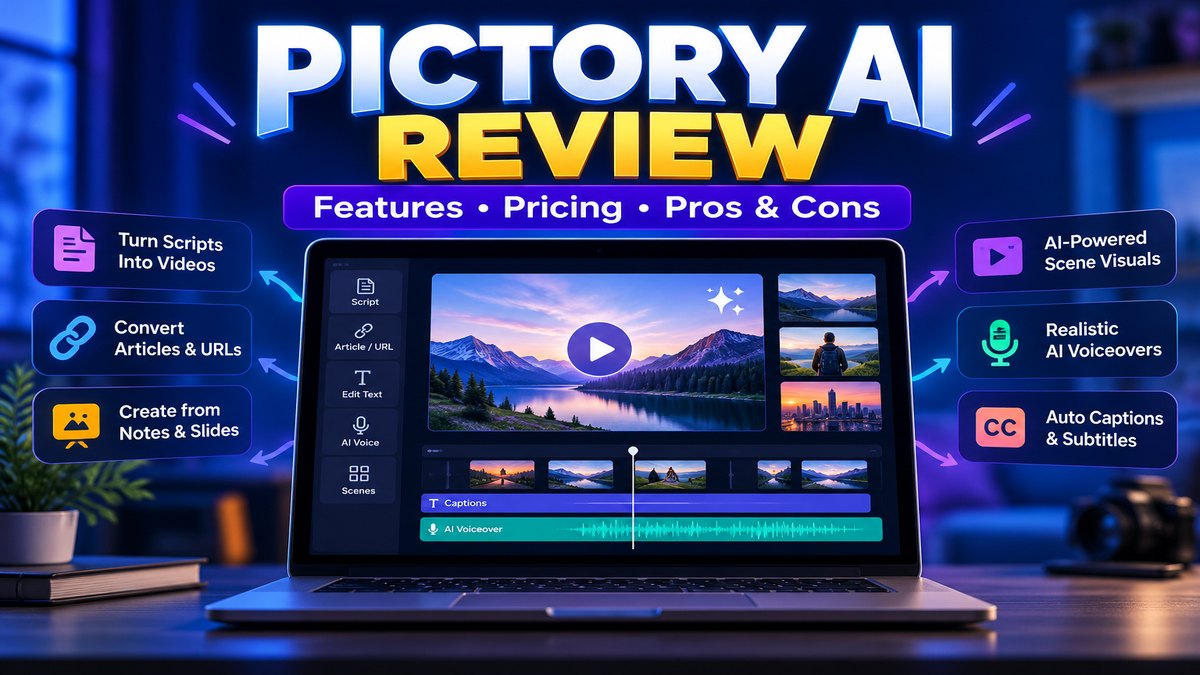
1. Script-to-video creation
Paste a script and Pictory can split it into scenes, pair the lines with visuals, and add narration and captions. This can give you a first draft much faster than assembling every clip manually. Review the selected footage carefully: an automated visual match may be relevant to the words but still miss the exact context or tone.
2. Blog post and URL to video
Pictory offers workflows for converting article text or a webpage URL into a video. This is useful when you already publish written content and want to reach viewers who prefer video. The result should be treated as an editable draft, not a guaranteed one-click finished production. Check that the tool captures the right points, avoids awkward scene changes, and does not omit important caveats.
3. AI voices and narration
AI voice options can help you create narrated videos without recording every script yourself. Voice selection, language availability, and usage limits depend on the current plan and product options. Listen to a full sample before choosing a voice; pronunciation of brand names, acronyms, and specialist terms may need correction.
4. Automatic captions and subtitles
Captions can improve accessibility and make social videos easier to follow with the sound off. Pictory supports subtitle export in formats such as SRT, VTT, and text on its listed plans/features. Always proofread captions for names, numbers, punctuation, and technical vocabulary before publishing.
5. Stock footage, images, and AI-generated visuals
Pictory lists access to stock media libraries, including Storyblocks and Getty Images on its current pricing page, alongside AI image and video generation options. Availability and usage are governed by the plan and the platform’s terms. Choose visuals that accurately represent the subject, and avoid implying that stock footage depicts a real event or person when it does not.
6. Editing, brand kits, and formats
The scene-based editor lets you revise text, replace visuals, adjust voiceovers, and refine the sequence. Brand kits help teams reuse logos, fonts, and colors. Pictory lists landscape, portrait, and square exports, making it practical to adapt a video for YouTube, Shorts, Reels, and social feeds. Check export resolution and project limits against your intended use.
7. Presentations and recorded content
Depending on the workflow and plan, Pictory can work with PowerPoint files and existing recordings, add B-roll, summarize longer videos, and export captions. This may be useful for training material, webinars, tutorials, and internal communications. Review the final cut for context and accuracy, especially if the source contains legal, medical, financial, or other high-stakes information.
Pictory AI Pricing in 2026
Pictory’s official pricing page currently shows a free trial and paid plans such as Starter, Professional, and Teams. The page has shown annual-billing prices starting at about $25 per month for Starter and about $35 per month for Professional, with higher monthly-billed prices. Treat these as a snapshot rather than a guaranteed quote: plan names, promotions, billing terms, credits, and allowances may change.
| Plan type | Best for | What to check |
|---|---|---|
| Free trial | Testing the workflow before paying | Trial duration, project count, credits, export limits, watermark, and maximum video length |
| Starter | Solo creators with regular, straightforward video needs | Monthly or annual price, credits/minutes, storage, voice limits, and export settings |
| Professional | Creators and marketers producing more videos or using additional features | Higher credit allowance, brand kits, media access, and advanced editing limits |
| Teams | Collaborative production and shared brand workflows | Seat limits, shared storage, team features, support, and total annual cost |
Some AI image and video models use credits, so the number of projects you can make may depend on how often you use generative features. Before buying, estimate your typical video length and monthly output, then compare those needs with the plan’s allowances. Read the current official plan comparison for the latest limits, trial terms, and cancellation details.
Pros and Cons of Pictory AI
Pros
- Faster production: Automates much of the initial scene assembly, narration, and captioning.
- Good for repurposing: Helps turn articles, scripts, presentations, and recordings into video formats.
- Browser-based workflow: Useful for creators who prefer not to install a full desktop editor.
- Stock media and AI options: Provides several ways to source visuals without filming everything.
- Multiple aspect ratios: Helps adapt content for different social and video platforms.
- Brand consistency: Brand kits can reduce repetitive setup for recurring content.
Cons
- Human editing is still important: Scene selection, pacing, captions, and narration can need corrections.
- Less granular control than pro editors: Complex motion graphics, precise timeline work, and highly customized storytelling may be easier elsewhere.
- Usage limits matter: Credits, video minutes, storage, and feature access differ by plan.
- AI visuals can be inconsistent: Generated scenes may not match the intended subject or brand style perfectly.
- Subscription cost: It may not be economical for someone who creates only a video occasionally.
- Internet-dependent workflow: A browser-based tool is not the same as a fully offline editing setup.
Who Should Use Pictory AI?
- Bloggers and publishers: Repurpose existing articles into narrated videos.
- Small marketing teams: Produce explainers, product education, and social content with repeatable branding.
- Educators and trainers: Convert notes or presentations into visual lessons, with careful review.
- YouTube creators: Build script-led explainers or faceless videos using licensed stock footage and narration.
- Agencies: Speed up first drafts for clients, while keeping a human editor responsible for quality and brand fit.
Pictory may be a poor fit if you need advanced color grading, complex animation, elaborate compositing, or complete manual control over every frame. In those cases, consider a dedicated video editor or a more specialized AI video platform.
Pictory AI Alternatives: Which Tool Should You Compare?
| Alternative | Consider it for | How it differs |
|---|---|---|
| Descript | Editing spoken-word video and audio | Strong text-based editing and transcription-oriented workflows |
| Synthesia | Presenter-led training and business videos | AI presenters and avatar-centered production |
| HeyGen | Avatar videos and localization | Presenter and talking-avatar workflows |
| InVideo AI | Prompt-driven video creation | Alternative AI-first creation workflow; compare editing control and plan limits |
| Canva | Template-led social content and branded design | Broader design suite with video features |
There is no universal winner. Compare tools using the same script and target video length. Check how accurately each one selects footage, how natural the voice sounds, how much editing is needed, which export settings are included, and the true monthly cost for your output.
How to Get Better Results with Pictory AI
- Start with a clear script. Use short sentences and one main idea per scene.
- Define the viewer and goal. A tutorial, ad, and educational explainer need different pacing and visuals.
- Review every scene. Replace footage that is misleading, repetitive, culturally inappropriate, or unrelated.
- Proofread the narration and captions. Correct names, numbers, pronunciation, and punctuation.
- Add your own value. Use original examples, commentary, screen recordings, demonstrations, or brand assets where appropriate.
- Check media rights. Confirm that the plan and license cover your intended commercial use and distribution.
- Export a short test first. Verify aspect ratio, resolution, sound, captions, and mobile readability before rendering a long project.
Is Pictory AI Good for Faceless YouTube Videos?
It can be a useful production aid for script-led explainers and educational videos, especially when you have a strong script and want to assemble supporting visuals quickly. However, using stock clips and AI narration alone does not guarantee audience retention or channel growth. Original research, a distinct point of view, accurate information, good pacing, and meaningful editing still matter.
If you are comparing options for this workflow, see our guide to the best AI video generators for faceless YouTube channels. You can also compare it with our Runway AI review if you want to explore a different approach to AI video creation.
Frequently Asked Questions
Is Pictory AI free?
Pictory offers a free trial, but trial limits and included features can change. Check the current pricing page for the number of projects, credits, export restrictions, and whether branding is added.
Is Pictory AI worth the money?
It may be worth it if you regularly turn scripts, articles, or recordings into videos and the time saved outweighs the subscription cost. If you make only occasional videos, test the trial and compare the cost with your existing editor first.
Can Pictory turn a blog post into a video?
Yes. Pictory lists article and URL-to-video workflows. You should still verify that the summary preserves the article’s key points and that the visuals and narration fit the message.
Can I use Pictory videos commercially?
Pictory describes its included media as cleared for use under its platform terms, but your rights depend on the applicable plan, license, asset, and intended use. Review the current terms before using content in client work, paid ads, or other commercial projects.
Does Pictory add automatic subtitles?
Yes, automatic captions and subtitle export are among its listed features. Proofread the output before publishing because speech recognition can make mistakes.
What is the best alternative to Pictory AI?
It depends on your needs. Consider Descript for spoken-word editing, Synthesia or HeyGen for avatar-led videos, InVideo AI for prompt-driven creation, and Canva for template-based branded content. Compare current plans and test a representative project before deciding.
Final Verdict: Should You Try Pictory AI?
Pictory AI is worth testing if your priority is efficient text-to-video production and content repurposing. Its combination of scene creation, voiceover, captions, stock media, and multiple input formats can help creators produce a workable first cut faster. The trade-off is that automated output still needs editorial judgment, and plan limits should be checked against your production volume.
Our recommendation: use the trial to create one real video from your own script or article. Track how long it takes to edit the result, whether the visuals fit, and whether the output quality meets your standard. If the workflow saves meaningful time without compromising accuracy, compare the paid plan options at the official Pictory website before subscribing.
Related reading: Best AI animation tools in 2026 and AI tools to create animated videos from text.